Official Torzon directory — torzondarknetlinks.com

Access guide

Tor Browser connection path

Install Tor Browser and complete pre-login checks before you paste a Torzon .onion. Mirrors stay on Links.

  1. 1
    Install Tor Browser

    Download Tor Browser from the official Tor Project release channel (not linked here — use only the authentic installer you already trust). Verify the package signature against published signing keys. Keep automatic updates enabled. Set the browser security level to Safest.

  2. 2
    Copy from Links

    Open the Links page on this directory, complete age confirmation if prompted, and copy a listed v3 hostname from the mirror table.

  3. 3
    Verify the mirror announcement

    Confirm the hostname matches the current PGP-signed Torzon mirror announcement before entering credentials in Tor Browser.

  4. 4
    Enable 2FA

    After registration, enable two-factor authentication using OTP or PGP, per Torzon Market account settings.

  5. 5
    Fund with care

    Use deposit screens presented inside Torzon Market only. Escrow rules and confirmation requirements are described on Wallet.

ACCESS_CHECKLIST OFFICIAL

Before you log in on Torzon

Readiness0 / 6
On the way in

Queue & gate screens

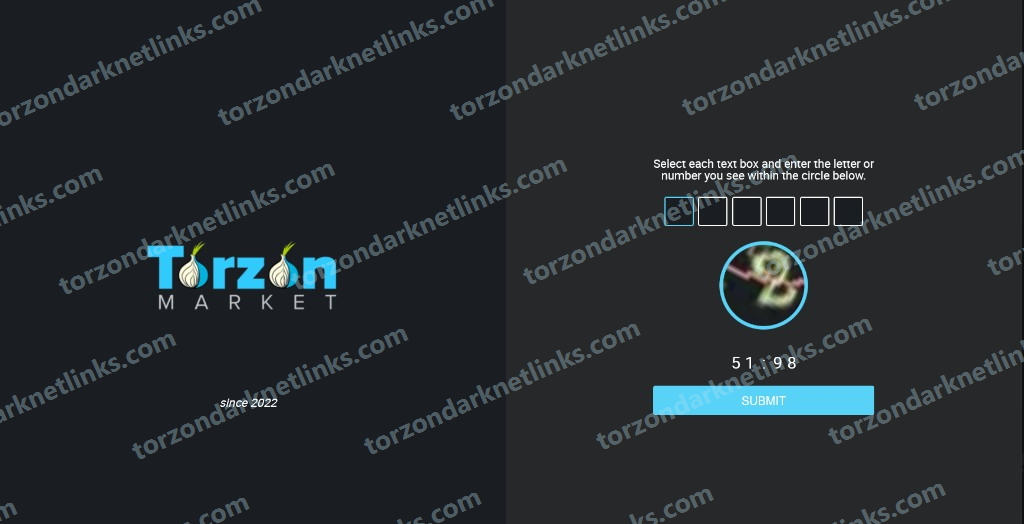
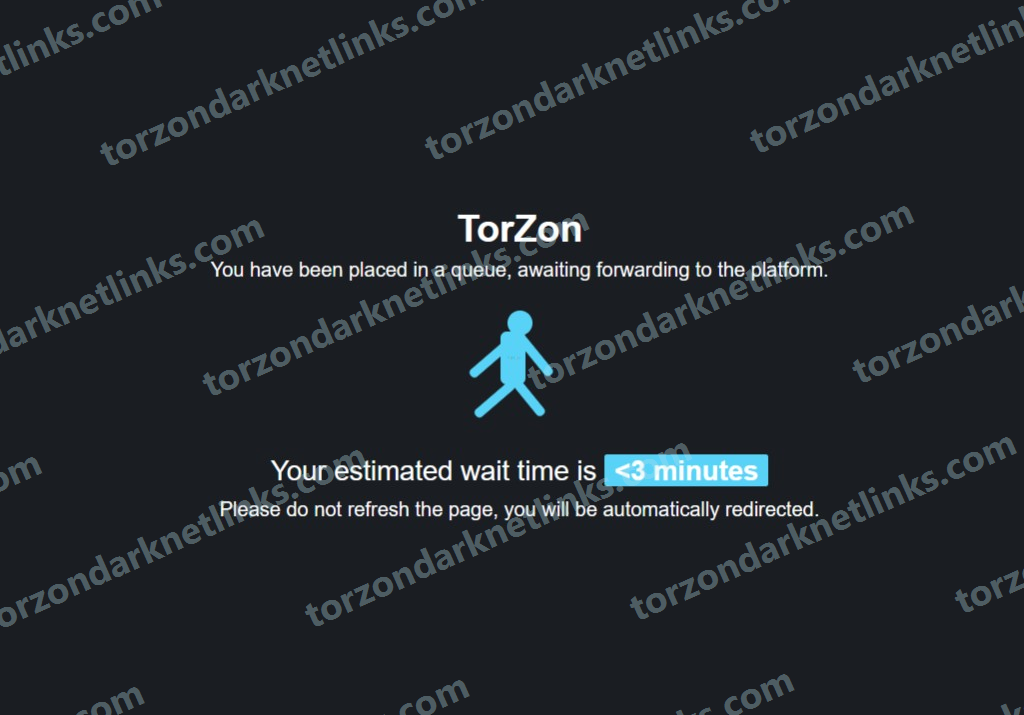
During traffic spikes Torzon may show a wait queue or a captcha gate before login. That is normal — stay on the same verified hostname from Links and do not refresh spam.

Torzon Market DDoS queue screen with estimated wait time
Traffic queue
Torzon Market captcha gate before platform access
Captcha gate

Registration (inside Torzon)

Open registration from a verified .onion — username, password, and six-digit PIN on reference forms; no email or phone. You choose an anti-phishing phrase shown after PGP 2FA on real sessions. A mnemonic recovery string displays once; Torzon states it is not stored server-side. Loss means permanent account loss including wallet balance.

Upload your PGP public key in account settings and enable 2FA before buying or vending. Login and registration frames are on About; queue and gate screens are above on this page.

Windows install (summary)

Download Tor Browser from the official Tor Project release channel, verify the installer signature with published PGP keys, run the installer, connect to the Tor network, then paste a host from Links.

macOS install (summary)

Fetch the .dmg from the Tor Project, check published checksums, drag Tor Browser to Applications, approve the security prompt, connect, and open a verified mirror from Links.

Linux install (summary)

Use the Tor Project’s Linux bundle or distribution package guidance, verify signatures when provided, then launch Tor Browser and connect before opening any Torzon .onion.
Recommended

  • Official Tor Browser only — keep it updated
  • Verify hosts against Links and signed Torzon mirror text
  • Enable PGP 2FA immediately after signup
  • Store mnemonic on paper, offline
  • Prefer XMR when listings allow it
  • Bookmark .onion inside Tor Browser after phrase check

Avoid

  • Search-engine “mirror of the day” pages outside torzondarknetlinks.com
  • Open-web login forms on random torzon-* domains
  • Browser extensions inside Tor Browser
  • Digital storage of mnemonic or private PGP keys
  • Off-platform payments or support chats
  • Disabling Safest mode without need

OPSEC reminders

Use Tor Browser only for Torzon access — do not mix it with everyday clearnet profiles in the same session. If a mirror loads slowly, request a new Tor circuit or switch to another verified host from Links before assuming an outage. Ignore “support” messages that ask for credentials or deposits outside Torzon escrow.

Tor tuning

When circuits feel slow

Tor latency is normal. Use Tor Browser’s “New Circuit for this Site” before you trust an alternate hostname from an unverified paste. If two of the three mirrors on torzondarknetlinks.com fail the verifier, wait for a signed mirror update rather than guessing a fourth URL.

Mnemonic storage

Write the recovery phrase on paper when Torzon shows it once at registration. Do not store it in cloud notes, photos, or email. Loss is permanent per Torzon account policy — the directory cannot reset accounts.

Mirror address copied